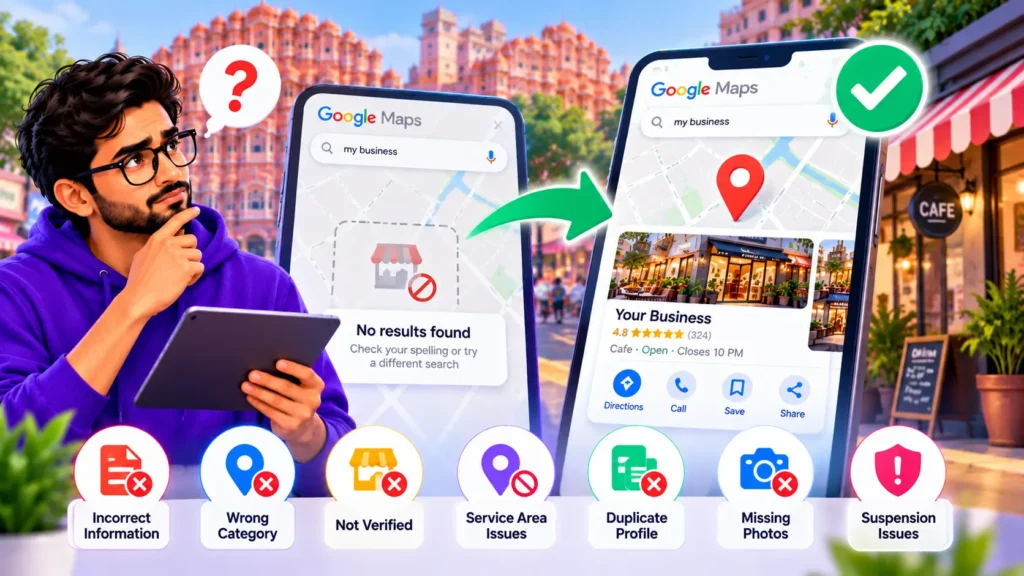
- 1 First, work out which problem you have
- 2 Reasons 1 to 4: your listing is invisible even by name
- 3 Reasons 5 to 7: you appear by name but not for general searches
- 4 My business used to show up and now it does not
- 5 Quick checklist
- 6 Should you fix this yourself or get help?
- 7 Frequently asked questions
- 8 Get your business back on Google Maps
You search for your own shop or office on Google Maps, and it is not there. Or customers tell you they could not find you. It is frustrating, because a missing Google Maps listing means missing calls, visits and enquiries.
The good news is that a business not showing on Google Maps almost always comes down to a small number of causes. Most of them can be checked in a few minutes.
In this guide you will first work out which type of problem you have, then go through the seven most common reasons and the fix for each.
Not sure what is wrong with your listing? Book a call with Ankit and find out whether your profile needs fixing, ranking work, or both. Book a call
First, work out which problem you have
People say “my business is not showing on Google Maps” about two very different situations. The fix depends on which one is yours.
| Situation | What you see | Likely direction |
|---|---|---|
| A. Invisible even by name | You search your exact business name and city and nothing appears | A profile problem: verification, suspension, duplicate, or address |
| B. Visible by name, missing for general searches | Your name finds you, but “your service + your area” does not | A visibility problem: category, distance, relevance, or prominence |
The 2-minute test:
- Open Google Maps and search for your exact business name plus your city.
- Do the same in regular Google Search.
- Then search for what customers would type, for example “your service near me” or “your service in your area.”
- Note whether you appear in test 1 or 2 but not in test 3. That is Situation B.
If you cannot find yourself even in tests 1 and 2, start with reasons 1 to 4 below. If you appear by name but not for general searches, jump to reasons 5 to 7.
Reasons 1 to 4: your listing is invisible even by name
1. Your Google Business Profile is not verified
A profile that has been created but not verified is generally not shown in public search results. Many business owners add their business, fill in the details, and never finish verification.
How to fix it:
- Sign in to the Google account that manages the profile and open the Business Profile.
- Look for a prompt to verify. Google shows the verification options available for your business, which can include phone, text, email, video or a postcard, depending on the business and location.
- Complete the option Google offers and follow the instructions exactly.
- After verification, give it some time. Sources commonly describe it taking a few days to appear, but the timing varies, so do not assume it will be instant.
If you never created a profile, a listing may still exist on Maps without being managed by you. In that case you need to claim it or request ownership instead of creating a new one.
2. Your profile has been suspended
A suspended profile can disappear from search and Maps. Suspensions are usually triggered when Google believes a profile breaks its guidelines, or when the information looks inconsistent or misleading.
How to check:
- Open your Business Profile dashboard and look for a suspension notice or a message about required action.
- Check the email linked to the profile for a message from Google about the reason.
How to fix it:
- Read the reason Google gives and compare your profile with the current Google Business Profile guidelines to see what may be wrong.
- Correct the problem. Common problem areas people report include a business name that has extra keywords added, an address that is not a real place where the business operates, or details that do not match your real-world business.
- Submit a reinstatement request through the dashboard and include clear evidence that your business exists, such as photos of the premises with signage and valid business documents.
Do not create a new profile to get around a suspension. That tends to make things worse. Do not guess at the cause or promise yourself a quick recovery. Reinstatement depends on Google’s review.
3. You have a duplicate listing
If there are two listings for the same business, or a very similar business at the same address, Google may filter one of them out. This often happens when a business moves, changes its name, or when someone else created a listing earlier.
How to fix it:
- Search your business name, phone number and address on Google Maps and look for more than one listing.
- If you own both, keep the best one and ask Google to remove or merge the other.
- If a listing exists that you do not control, claim it or request ownership.
- Make sure the name, address and phone number are exactly the same wherever you are listed.
4. Your address, pin or service area has a problem
Wrong addresses, a map pin in the wrong spot, or a recent move can all keep a business from appearing correctly. If you moved or changed your service area, the old listing may be marked closed while the new one needs time to gain visibility.
How to fix it:
- Enter your address exactly as it appears on your signage and official documents.
- Check that the pin is on your actual location.
- If you moved, update the existing profile instead of creating a new one.
- If you work at customers’ locations and do not have a shopfront, set up your profile as a service-area business and read our guide on local SEO without a physical address.
Tried the fixes above and still invisible? Suspensions and duplicate listings are hard to untangle alone. Book a call with Ankit to get a clear next step. [Book a call](BOOKING LINK)
Reasons 5 to 7: you appear by name but not for general searches
If customers cannot find you when they search for your service, the problem is no longer whether Google knows you exist. It is whether Google considers you a good match for that search.
Google describes local results as based mainly on three things: relevance, distance and prominence. The next three reasons map to those.
5. Your primary category is wrong or missing
Your main category tells Google what kind of business you are. If it is wrong, too broad, or not what customers search for, you will not be matched to the right searches.
How to fix it:
- Choose the primary category that best describes your main business, not a service you only offer occasionally.
- Add secondary categories only where they truly apply.
- Look at the categories used by competitors who show up for your target search.
6. You are too far from the person searching
Google Maps gives weight to businesses near the searcher. If someone searches from a long way away, your business may not appear even if your profile is perfect. This also explains why your own search from home can show different results than a customer’s search from across town.
What to do:
- Check your listing by searching from different locations, not just from your office.
- Do not add false addresses or fake service areas to get around distance. That can cause suspension.
- Focus on being the strongest option in the area you genuinely serve.
7. Your profile is weak compared with competitors
Prominence reflects how well known and trusted your business looks. Few or no reviews, missing photos, an incomplete profile, and a thin website can all push you below competitors.
How to fix it:
- Complete every section of your profile: hours, services, description, phone, website, photos.
- Ask genuine customers for reviews and reply to them. Never buy reviews.
- Make sure your website clearly matches your services and location.
For the full process, see our guide on Google Business Profile optimization and our walkthrough on how to rank higher on Google Maps.
My business used to show up and now it does not
If your listing was visible before and then vanished, the cause is usually one of these:
- A suspension. Check the dashboard and your email first.
- A recent edit. Changes to your name, address or category can trigger a review or change how Google treats the profile.
- A move or service area change. The new listing can take time to gain visibility.
- A duplicate that appeared and is competing with your listing.
- More competitors or fewer reviews than before, which pushes you out of the visible results.
Work through the checks in the order above. Start with the dashboard.
Quick checklist
- Search your exact business name and city on Maps and Google Search.
- Confirm the profile is verified.
- Check the dashboard and email for suspension notices.
- Look for duplicate listings.
- Confirm the address, pin and service area are correct.
- Review your primary category.
- Test your visibility from different locations.
- Improve reviews, photos and profile completeness.
Should you fix this yourself or get help?
If the problem is a missing verification or an obvious wrong detail, you can usually fix it yourself. If you are dealing with a suspension, a duplicate you cannot remove, or a profile that is live but stuck, a professional diagnosis saves time and avoids mistakes that make things worse. Our comparison of agency vs DIY Google Business Profile optimization can help you decide, and the cost guide for Google Business Profile optimization in India shows what to expect to pay.
Frequently asked questions
Why is my business not showing on Google Maps even though it is verified?
A verified profile can still be missing from general searches if the category is wrong, you are far from the searcher, or your profile is weaker than competitors. Test by searching your exact name first. If that works, the problem is visibility, not existence.
How long does it take for a business to show on Google Maps after verification?
It varies. Many sources describe a few days, but there is no guaranteed timeline. If nothing appears after a reasonable wait, check for a suspension notice or a duplicate listing.
Can I find my business on Google Maps without a physical shop?
Yes, if you set it up properly as a service-area business. See our guide on local SEO without a physical address.
Google map pe mera business nahi dikh raha, kya karu?
Sabse pehle Google Maps me apne business ka exact naam aur city search karein. Agar kuch nahi dikhta, to check karein ki profile verify hui hai ya nahi, koi suspension notice to nahi aaya, aur kahin duplicate listing to nahi hai. Agar naam se dikh raha hai lekin general search me nahi, to category, location aur reviews par kaam karein.
Can a competitor remove my business from Google Maps?
Competitors can sometimes report or suggest edits to a listing. Check your profile regularly for changes you did not make, and keep your details accurate and verified.
Should I create a new profile if mine is not showing?
Usually no. Creating a new profile can create a duplicate and cause more problems. Fix, claim or recover the existing one first.
Get your business back on Google Maps
Not every missing listing is the same problem. Some profiles need a quick fix, some need reinstatement, and some are live but simply not strong enough to be seen.
On a call, Ankit looks at your profile and tells you whether it needs fixing, ranking work, or both, so you do not spend money on the wrong solution.
Book a call with Ankit and get a clear plan to rank or optimize your Google Business Profile.