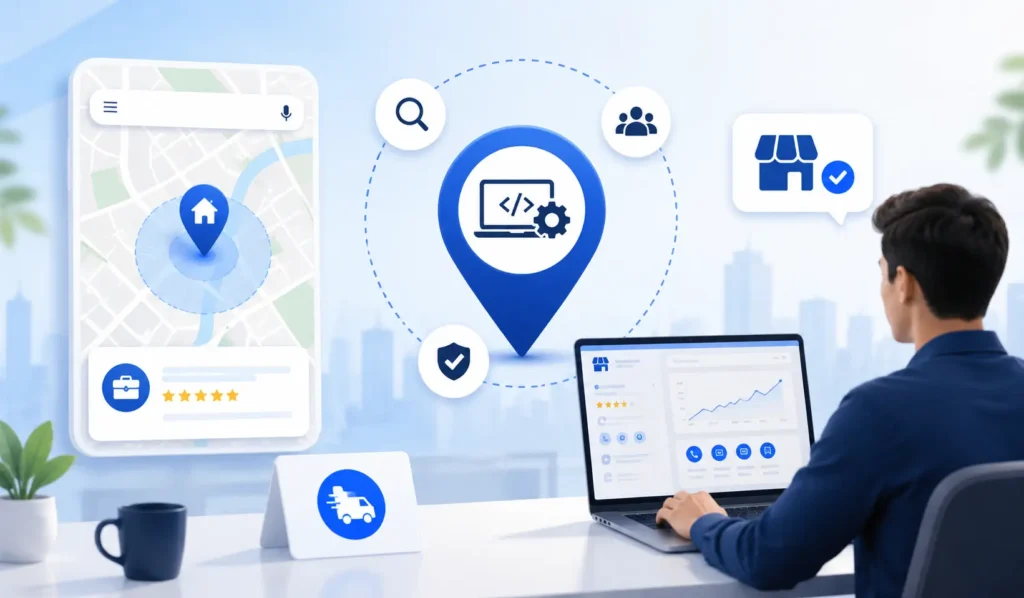
If your business does not have a walk-in storefront, you might assume local SEO is not for you. That is not true. Many IT companies, consultants, and service businesses rank well on Google Maps and in local search without ever having customers visit an office. This guide walks through exactly how, with the specific steps, categories, and ranking factors that apply to businesses like yours.
If you already have a Google Business Profile set up, some of this may already apply to you. If you are just getting started, our guide to ranking higher on Google Maps covers the fundamentals first.
Why This Matters More Than IT Companies Realize
A large share of B2B buyers research a vendor online before ever making contact. I do not have a verified, India-specific statistic to quote you on exactly what percentage do this, and any number I gave you here would be a guess dressed up as a fact, so I am not going to state one. What I can tell you with confidence is that Google Business Profile is one of the few places a potential client sees your reviews, your services list, and your credibility signals all in one place, before they visit your website at all. For an IT company competing on trust as much as capability, that first impression matters.
Can You Even Set Up a GBP Without an Address?
Yes. Google calls this a Service Area Business (SAB). Instead of listing a public address, you tell Google which areas you serve, by city, zip code, or region. During setup, you answer “no” to the question asking if customers can visit your location. Google still requires you to have a real business address on file, but it will not be shown publicly.
This is exactly the setup most IT companies, consultants, freelancers, and remote-first businesses should use. You are not penalized for hiding your address. You are simply telling Google how your business actually operates. This is different from simply leaving your address blank or using a fake one, which does violate Google’s guidelines and can get a profile suspended.
How Google Ranks Businesses Without a Storefront
Google’s local ranking generally comes down to three signals: Relevance, Distance, and Prominence. For a business without a storefront, here is how each one plays out differently:
- Relevance still depends on your category selection, services list, and business description. This does not change whether or not you have a storefront.
- Distance works differently for SABs. Instead of ranking by proximity to a fixed address, Google ranks you within the service area you have defined. If you serve all of Jaipur, you have a chance to show up for searches across the city, not just near one point.
- Prominence is about reviews, citations, and overall authority. This actually matters more for SABs, since you do not get the “closest business wins” advantage a storefront has. A business with fifty genuine reviews and a well-built website will usually beat a competitor with an address but almost no reviews.
I want to flag that I do not have a verified, specific breakdown of how heavily Google weights each of these three factors for SABs versus storefronts. Google does not publish exact weightings, and any specific percentage you see elsewhere online is likely an estimate from an SEO tool or agency, not an official Google figure. Treat any such number with caution.
Setting Up Your GBP as a Service Area Business, Step by Step
- Claim or create your Google Business Profile through business.google.com.
- Select “no” when asked if customers can visit your business. This triggers the Service Area Business setup rather than the standard storefront setup.
- Define your service area by city, zip code, or region. Google has historically allowed a limited number of service areas per profile, but the exact current limit can change, so check what your own dashboard shows rather than relying on a fixed number from this post.
- Choose your primary category with care. For an IT company, options might include “Software company,” “Computer consultant,” “Web designer,” or “Corporate office,” depending on which most accurately reflects your core offering. Pick the narrowest accurate category, not the broadest one.
- Add secondary categories for every distinct service you offer, up to whatever limit Google currently allows.
- Write a complete business description that states clearly what you do, who you serve, and which areas you cover. Avoid keyword stuffing, since Google’s guidelines discourage descriptions that read as unnatural.
- Add your website URL, phone number, and hours, even if your hours are simply “by appointment.”
- Upload photos. Since you do not have a storefront, use photos of your team, your workspace, project screenshots, or client work (with permission) instead.
- Turn on messaging or Q&A if relevant, so potential clients can reach out directly from the profile.
- Verify your profile. Google typically verifies SABs by phone, postcard, or video, depending on your account and location. Which method is offered to you is decided by Google, not something you can choose freely.
GBP Optimization for IT Companies Specifically
IT companies have a few things that make GBP optimization slightly different from a typical local service business:
- Category selection is trickier. “IT services” can mean many different things, from managed support to custom software development. Being vague here hurts your relevance signal. Being specific, even if it feels narrow, generally helps Google match you to the right searches.
- Reviews matter even more. B2B clients researching an IT company often rely heavily on reviews before reaching out, since they cannot walk in and get a feel for the business the way they might with a retail shop. Ask satisfied clients directly, right after a project wraps up, rather than waiting and hoping they leave one on their own.
- Service area can span an entire city or region, which is common for IT companies serving businesses across a metro area rather than a single neighborhood. Define this generously but honestly. Only include areas you can genuinely serve well.
- Your website has to do more work. Since a GBP profile alone will not carry an IT company’s credibility the way it might for a restaurant, treat your website as the primary trust-builder and your GBP as the discovery layer that leads people there.
If your business fits this description, our GBP optimization service and local SEO services page both cover the ongoing side of this work. If you would rather learn to do it yourself, our GMB Optimization course walks through the same framework.
Content & Backlink Strategy When You Have No Physical Location
Without a storefront, your website has to work harder to establish local relevance. A few things that generally help:
- Create dedicated pages for each city or region you serve, rather than one generic “our services” page. If you serve Jaipur, Ahmedabad, and Indore, each deserves its own page with content specific to that market, not a copy-pasted template with the city name swapped out.
- Include location-specific keywords in titles and headings, even without a physical address in that location. This tells Google, and your visitors, which areas you actually cover.
- Build citations on relevant business directories. In India, this can include Justdial, Sulekha, IndiaMART, and industry-specific directories relevant to IT services, alongside the standard Google Business Profile and Bing Places listings. I have not independently verified which of these currently carry the most local SEO weight, so I would treat this as a starting list to research further rather than a ranked priority order.
- Earn backlinks the same way any local business would. Guest posts, partnerships, and being listed in industry roundups all signal credibility regardless of whether you have a storefront.
- Keep your NAP (Name, Address, Phone) consistent across every platform you appear on, even where the address itself is hidden from public view within GBP.
If you are weighing whether to handle this yourself or bring in help, our Agency vs. DIY comparison breaks down that decision in more detail.
Common Mistakes IT Companies Make with GBP
- Leaving the category too broad. “IT services” alone, without secondary categories, tells Google very little about what you actually do.
- Ignoring reviews after a project ends. The best time to ask is right after a successful delivery, when the client is happiest, not months later.
- Treating GBP as a one-time setup. Profiles that go stale, with no new posts, photos, or review responses, tend to lose ground to competitors who stay active.
- Using a fake or P.O. box address to qualify for a storefront-style listing instead of using the Service Area Business option honestly. This risks suspension.
- Copying service-area page content across cities without any real local detail. Google and readers can both tell when a page has been templated without real substance.
How to Track Whether It’s Working
Two tools are worth checking regularly, both of which are official Google products: Google Business Profile Insights, built into your profile dashboard, shows how people found your listing and what actions they took. Google Search Console shows whether your location-specific pages are being indexed and what queries they are appearing for. Reviewing both monthly gives you an early signal of whether your service area setup and content strategy are actually gaining traction, rather than waiting months to notice nothing has changed.
FAQ Section
Q: Can my IT company have a Google Business Profile without a physical office? A: Yes. Set it up as a Service Area Business. You will still need a real address on file with Google, but it will not be shown publicly.
Q: Does hiding my address hurt my ranking? A: I do not have a verified, direct comparison showing exactly how much this affects ranking versus a visible address. Google’s own guidance treats Service Area Business setup as a legitimate, supported configuration, not a penalty. If you have concerns specific to your market, it may be worth testing both approaches over time and tracking your own results rather than relying on a general answer.
Q: What category should an IT company choose on Google Business Profile? A: Choose the most specific category that matches what you actually do, such as “Computer consultant” or “Software company,” rather than a broad catchall. The exact list of available categories comes directly from Google and can change, so check what’s currently available in your own GBP dashboard rather than assuming a category from this list still exists.
Q: How is local SEO different for a service area business versus a business with a storefront? A: The core three ranking factors (relevance, distance, prominence) still apply, but “distance” is measured against your defined service area rather than a single fixed address, and reviews and citations tend to carry relatively more weight since there’s no physical location advantage.