
Quick answer: The most useful free Google AI tools for digital marketing in 2026 are Gemini (research, content, and keyword ideas), NotebookLM (turning your own documents and competitor research into a source-grounded assistant), Google AI Studio (free, no-subscription access to build simple AI-powered tools), Flow (free-tier image and short video generation, replacing the discontinued Whisk and ImageFX), Stitch (free AI landing page and UI design), and Pomelli (analyzes your business website and generates on-brand ad creative). All six have genuinely free tiers with real, usable limits, not just a trial.
Most people who use Google’s AI tools only ever open Gemini and stop there. Google actually has more than 20 AI tools in its lineup, and several of them are built specifically for the kind of work digital marketers do daily: research, content, ad creative, and landing pages. Here are the six most useful ones for marketing specifically, what each does, and what the free tier actually gives you.
If you want free AI tools beyond just Google’s own lineup, our 10 free AI tools for creating Instagram Reels and ChatGPT alternatives posts cover that wider landscape.
List of Best Free Google AI Tools for Digital Marketing
1. Gemini
What it does: Google’s core AI assistant, text generation, research, code, image analysis, and reasoning through a 1-million-token context window, meaning you can feed it entire documents or large data sets in one go.
Steps to use it for marketing:
- Ask Gemini to generate keyword ideas or content angles for a topic
- Use Deep Research mode to get a cited, multi-source report on a competitor or market question in minutes
- Use Gemini’s built-in image editing (Nano Banana 2) to create or adjust marketing visuals directly in the chat
Pricing: Free tier includes 100 monthly AI credits, basic image generation, and Deep Research capped at 5 reports/month → Google AI Plus $7.99/mo → Google AI Pro $19.99/mo → Google AI Ultra, priced inconsistently across sources between roughly $99.99 and $249.99/mo, worth confirming directly before quoting
Sign up: gemini.google.com
Benefits:
- Covers research, writing, and basic image work in one place
- Deep Research mode functions like handing a research task to an intern
- Free tier is genuinely usable for daily work, not just a demo
Features:
- 1-million-token context window
- Deep Research and Deep Think reasoning modes
- Built-in image generation and editing
2. Gemini Notebook (Previously NotebookLM )
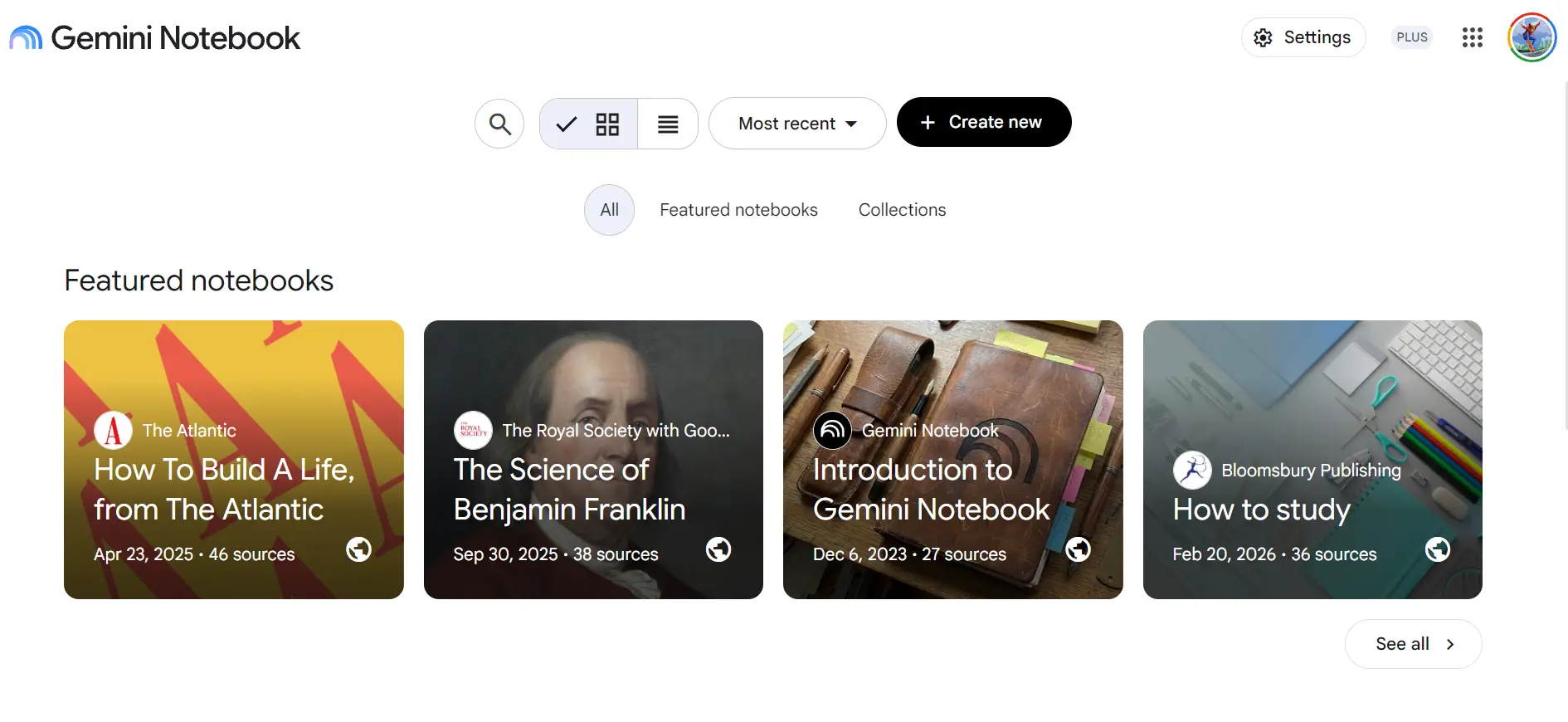
What it does: A source-grounded research assistant. You upload your own documents (PDFs, competitor sites, YouTube transcripts, client briefs), and it answers questions only from that material, reducing the risk of made-up answers.
Steps to use it for marketing:
- Upload competitor websites, customer reviews, or survey data as sources
- Ask it directly: “What are the top questions our customers ask?” and use the answer as a content map
- Use Audio Overviews to turn a dense research document into a podcast-style conversation you can review while doing something else
Pricing: Free plan includes 100 notebooks, up to 50 sources per notebook, and 3 audio overviews a day Sign up: notebooklm.google.com
Benefits:
- Reduces hallucinated answers since it only draws from what you upload
- Genuinely useful for competitor research and content planning, not just study notes
- Free tier limits are generous enough for most real workloads
Features:
- Audio Overviews (two AI voices discussing your uploaded material)
- Supports PDFs, Google Docs, Slides, websites, and YouTube transcripts as sources
- Source capacity up to 500,000 words per source
3. Google AI Studio
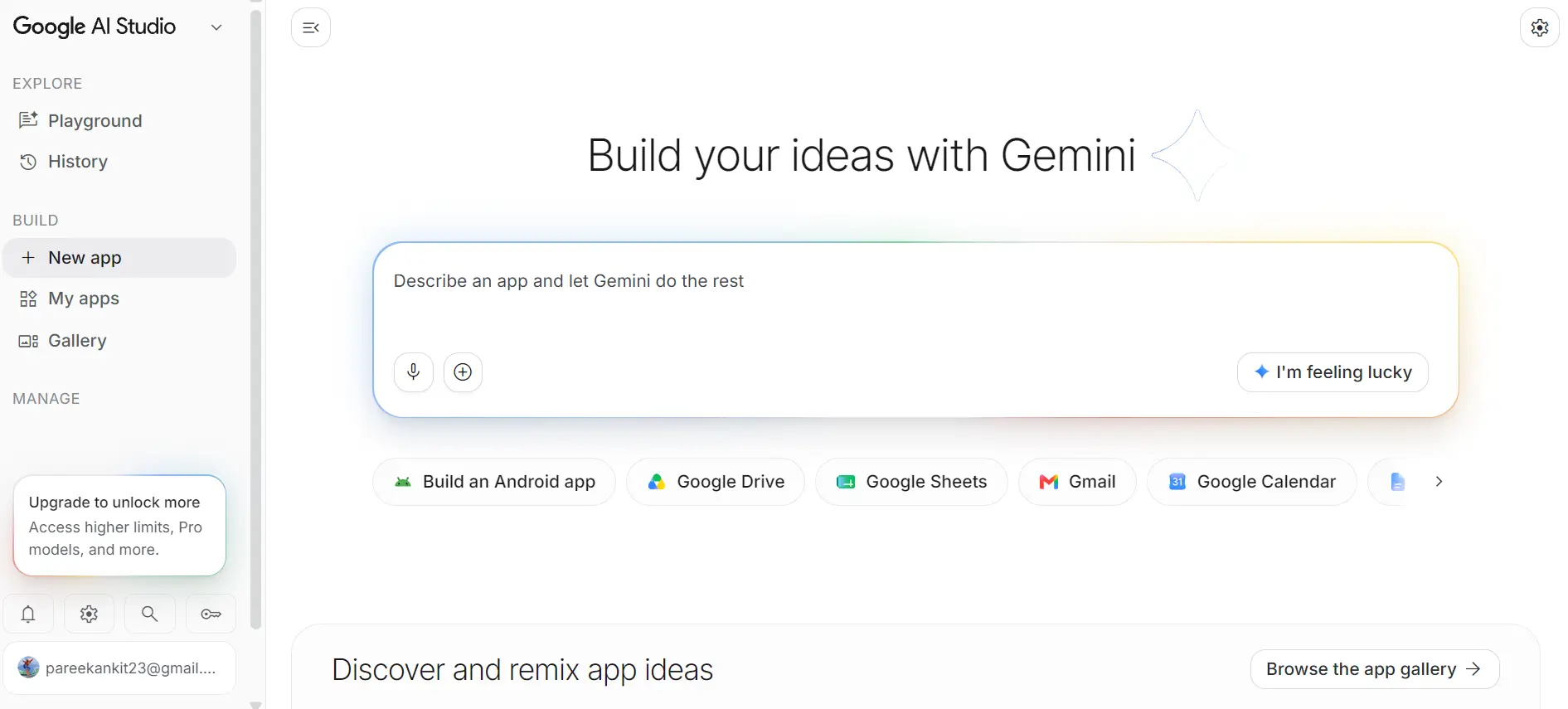
What it does: A free, no-subscription platform for building simple AI-powered tools and testing prompts against Google’s models, connected directly to Firebase for real functionality (databases, authentication, hosting).
Steps to use it for marketing:
- Test and refine prompts before using them in client-facing content workflows
- Build a simple internal tool (a content brief generator, a keyword clustering assistant) without needing a developer
- Use it to prototype an idea before deciding whether it’s worth a paid tool or custom build
Pricing: Fully free, no subscription, indefinitely, with a Google account. Billing only applies if you enable higher-volume API usage.
Sign up: aistudio.google.com
Benefits:
- No cost at all for standard use, unlike every other tool on this list which has some paid tier
- Useful even for non-developers willing to experiment
- Connects to real infrastructure (Firebase) rather than staying a toy sandbox
Features:
- Free access across Google’s multimodal model family
- Prompt testing and comparison tools
- Direct Firebase integration for building working tools, not just prototypes
4. Flow (replacing Whisk and ImageFX)
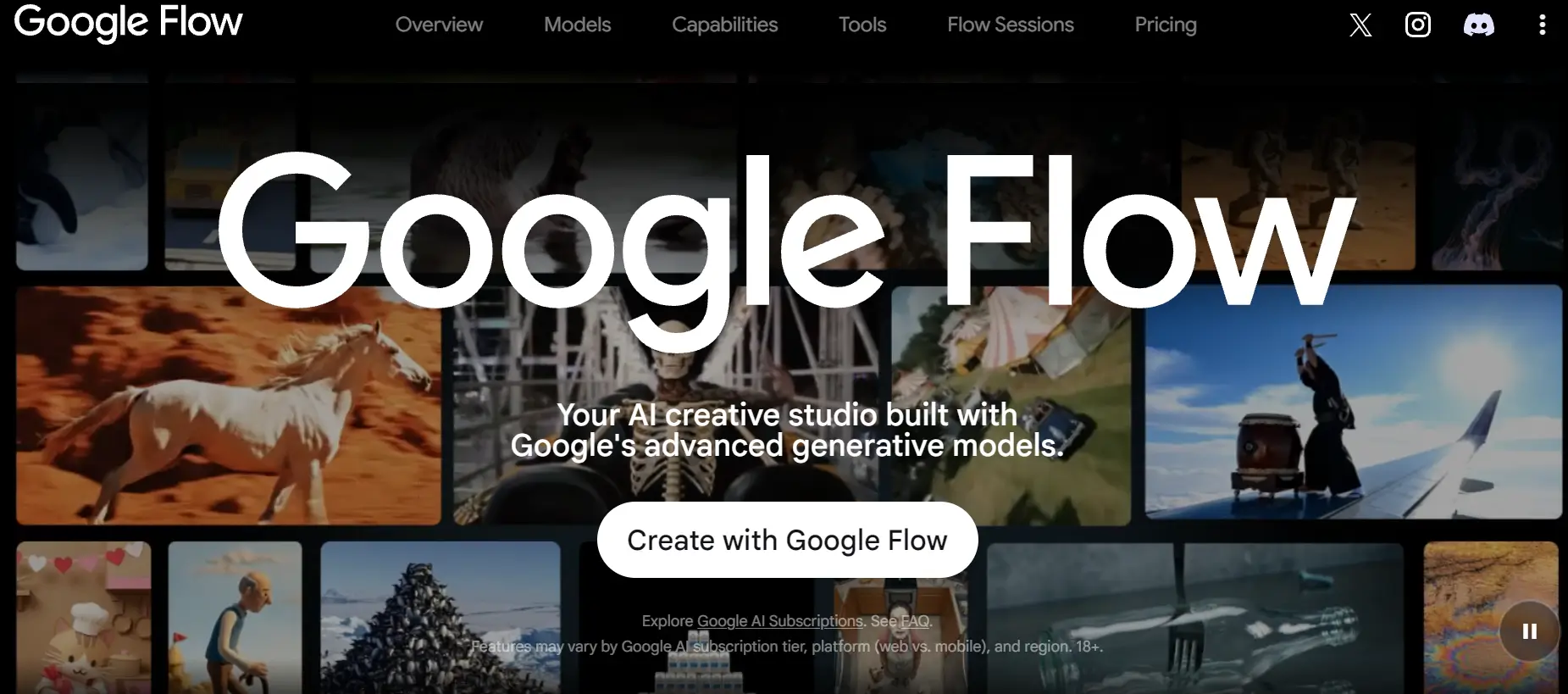
What it does: Google’s current image and short-video generation tool. Whisk and ImageFX were both discontinued and folded into Flow as of April 2026, so if you’ve seen either mentioned in an older “best free tools” post, this is where that functionality moved.
Steps to use it for marketing:
- Generate ad creative variations from a text prompt or a reference image
- Create short video assets for social ads without a design team
- Use it for quick visual testing before committing budget to a professional shoot
Pricing: Free tier available for images and limited video generation. Full Veo video generation specifically remains behind a paid tier across every Google product that offers it, Gemini, Flow, and the developer API alike.
Sign up: labs.google/flow
Benefits:
- One consolidated tool instead of juggling the now-discontinued Whisk and ImageFX separately
- Useful for fast ad creative iteration without a designer
- Free tier is enough for testing and lower-stakes content
Features:
- Image generation and remixing
- Short video generation on the free tier
- Full Veo access reserved for paid tiers
5. Stitch
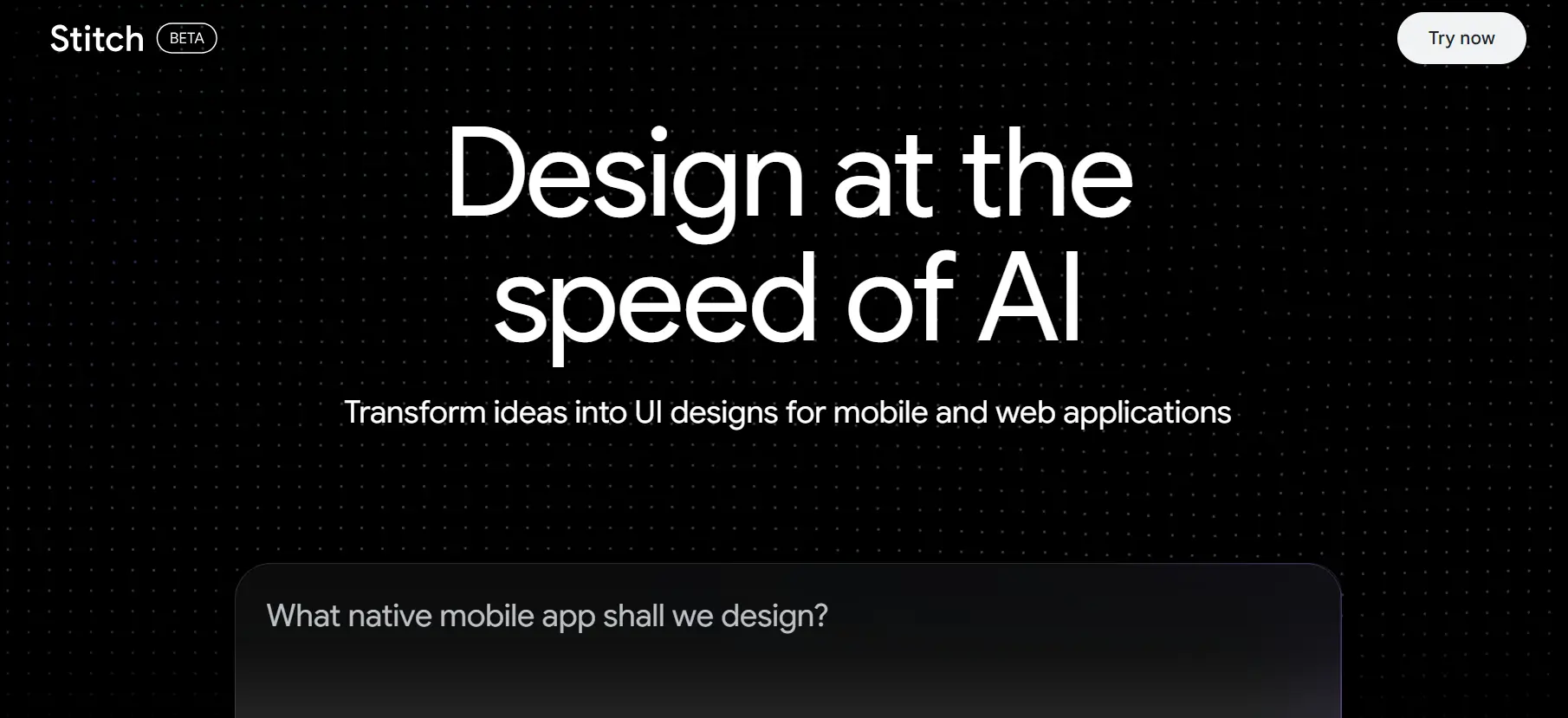
What it does: A free AI tool for quickly designing app and web UI, useful for marketers who need a landing page mockup or a simple site structure without waiting on a designer or developer.
Steps to use it for marketing:
- Describe the landing page you need (sections, goal, tone)
- Generate a working UI structure to hand to a developer, or use directly for a simple page
- Iterate on layout before committing developer time to a full build
Pricing: Free, currently in public beta
Sign up: stitch.withgoogle.com
Benefits:
- Removes the “blank page” problem when starting a new landing page
- Useful for solo marketers or small teams without in-house design support
- Free during its current beta period, worth using while that lasts
Features:
- AI-generated UI structure from a text description
- Suited to fast iteration rather than final pixel-perfect design
6. Pomelli
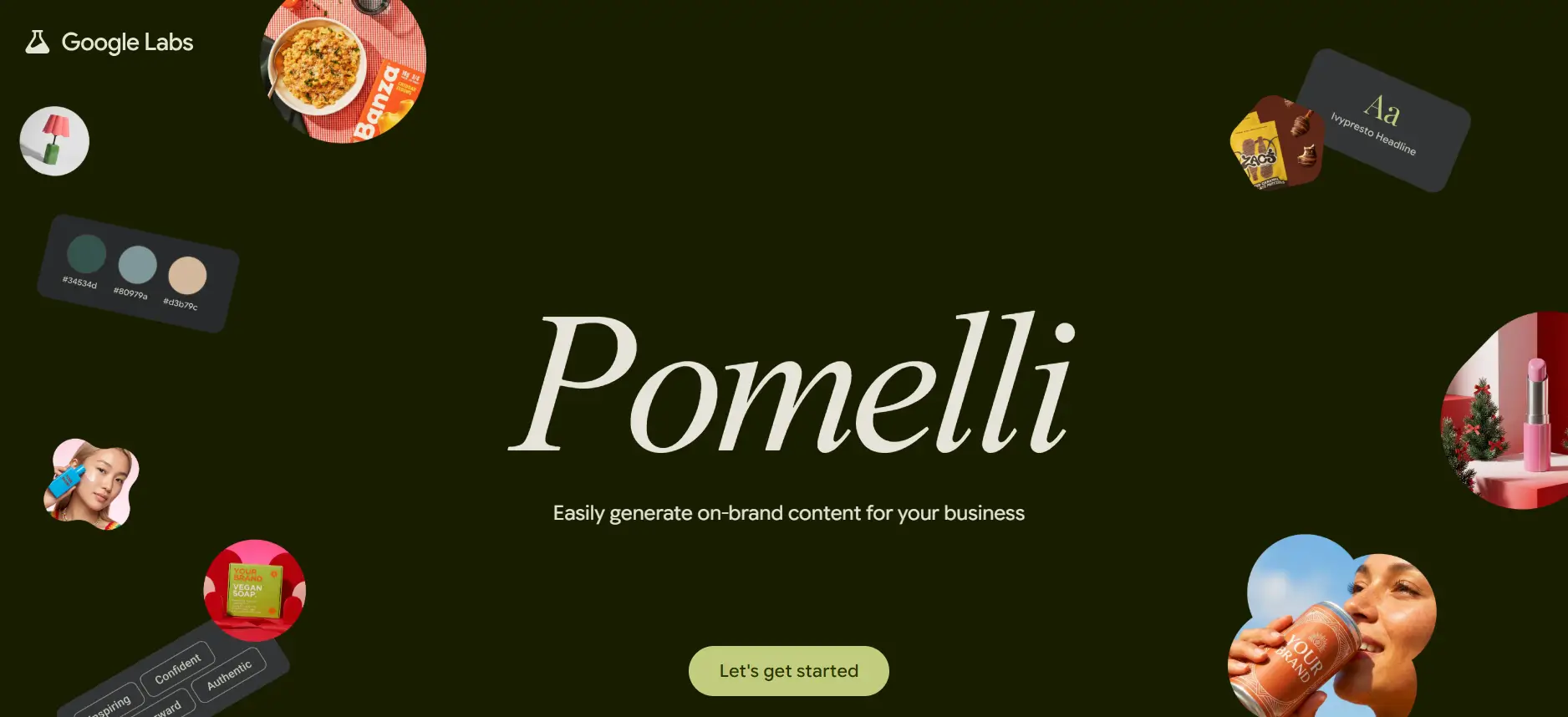
What it does: A Google Labs tool built specifically for marketing. It analyzes your business’s own website and generates ad visuals and animations that match your existing brand identity, rather than generating generic, off-brand creative.
Steps to use it for marketing:
- Connect or point Pomelli at your business website
- Let it analyze your existing brand visuals, tone, and colors
- Generate ad creative and animations that stay consistent with your actual brand, rather than needing manual brand-matching afterward
Pricing: Free (Google Labs experimental tool)
Sign up: Search “Google Labs Pomelli” directly, since Labs tool URLs shift as products move in and out of experimental status.
Benefits:
- Purpose-built for marketing, unlike more general tools on this list
- Automatically stays on-brand since it’s built from your actual website
- Removes a common bottleneck: waiting on a designer for every ad variation
Features:
- Website-based brand analysis
- Ad visual and animation generation
- Currently free as a Google Labs experiment, which means features and availability can shift as it matures
Quick Comparison
| Tool | Best For | Free Tier | Paid Tier |
|---|---|---|---|
| Gemini | Research, writing, keyword ideas | 100 credits/mo, 5 Deep Research reports/mo | $7.99-$19.99/mo, Ultra tier price varies by source |
| NotebookLM | Competitor & source-grounded research | 100 notebooks, 3 audio overviews/day | Included in Gemini paid tiers for higher limits |
| Google AI Studio | Prototyping AI tools/prompts | Fully free, indefinitely | Pay-per-use only at high API volume |
| Flow | Ad creative images & short video | Free images, limited video | Full Veo access is paid-only |
| Stitch | Landing page/UI mockups | Free (public beta) | Not yet established post-beta |
| Pomelli | On-brand ad creative from your site | Free (Labs experiment) | Not yet established |
How to Use These Together for a Week’s Marketing Work
A realistic weekly workflow using only these free tools: use NotebookLM to find your customers’ most common questions from uploaded reviews or support tickets, use Gemini to turn those questions into content outlines, use Flow or Pomelli to generate supporting visuals, and use Stitch to build a landing page structure around it. This mirrors how these tools are increasingly built to connect with each other, rather than working in isolation.
If you’re building this into a client offering, our AI Digital Marketing course and Prompt Engineering course go deeper into using this stack professionally, and our SEO Course in Jaipur covers how AEO and GEO fit into the same workflow.
FAQ Section
Q: What happened to Google Whisk and ImageFX? A: Both were discontinued and merged into Flow as of April 2026. Flow now handles the image and short-video generation that Whisk and ImageFX previously covered.
Q: Is Gemini actually free, or does it require a subscription for real use? A: The free tier includes 100 monthly AI credits, basic image generation, and limited Deep Research (5 reports/month), which covers a genuine amount of daily marketing work. A subscription is only needed for higher volume or full Veo video access.
Q: What’s the best free Google AI tool for content research specifically? A: NotebookLM, since it’s grounded in your own uploaded sources rather than general knowledge, which reduces made-up answers and keeps research tied to your actual competitors or customer data.
Q: Is there a free Google AI tool built specifically for ad creative? A: Yes, Pomelli, a Google Labs tool that analyzes your business website and generates on-brand ad visuals and animations automatically.